The apply Method
Use apply when you want to set properties immediately without animation.
index.js
$.myAnimation.apply($.myView)
Apply example
apply sets properties instantly. In this example, the ScrollableView is rotated 90 degrees and its content is counter-rotated -90 degrees to mimic a TikTok-style layout.
index.xml
<Alloy>
  <Window class="exit-on-close-false keep-screen-on">
    <Animation module="purgetss.ui" id="rotate" class="platform-wh-inverted rotate-90" />
    <Animation module="purgetss.ui" id="counterRotate" class="platform-wh -rotate-90" />

    <ScrollableView id="scrollableView" class="overlay-enabled disable-bounce paging-control-alpha-100 scrolling-enabled show-paging-control paging-control-h-14 paging-control-on-top-false paging-control-transparent page-indicator-(rgba(0,0,0,0.24)) current-page-indicator-(rgba(0,0,0,1))">
      <View class="bg-blue-500">
        <Label class="text-center" text="View's Content" />
      </View>

      <View class="bg-red-500">
        <Label class="text-center" text="View's Content" />
      </View>

      <View class="bg-green-500">
        <Label class="text-center" text="View's Content" />
      </View>
    </ScrollableView>
  </Window>
</Alloy>
index.js
$.rotate.apply($.scrollableView)

$.counterRotate.apply($.scrollableView.views)

$.index.open()
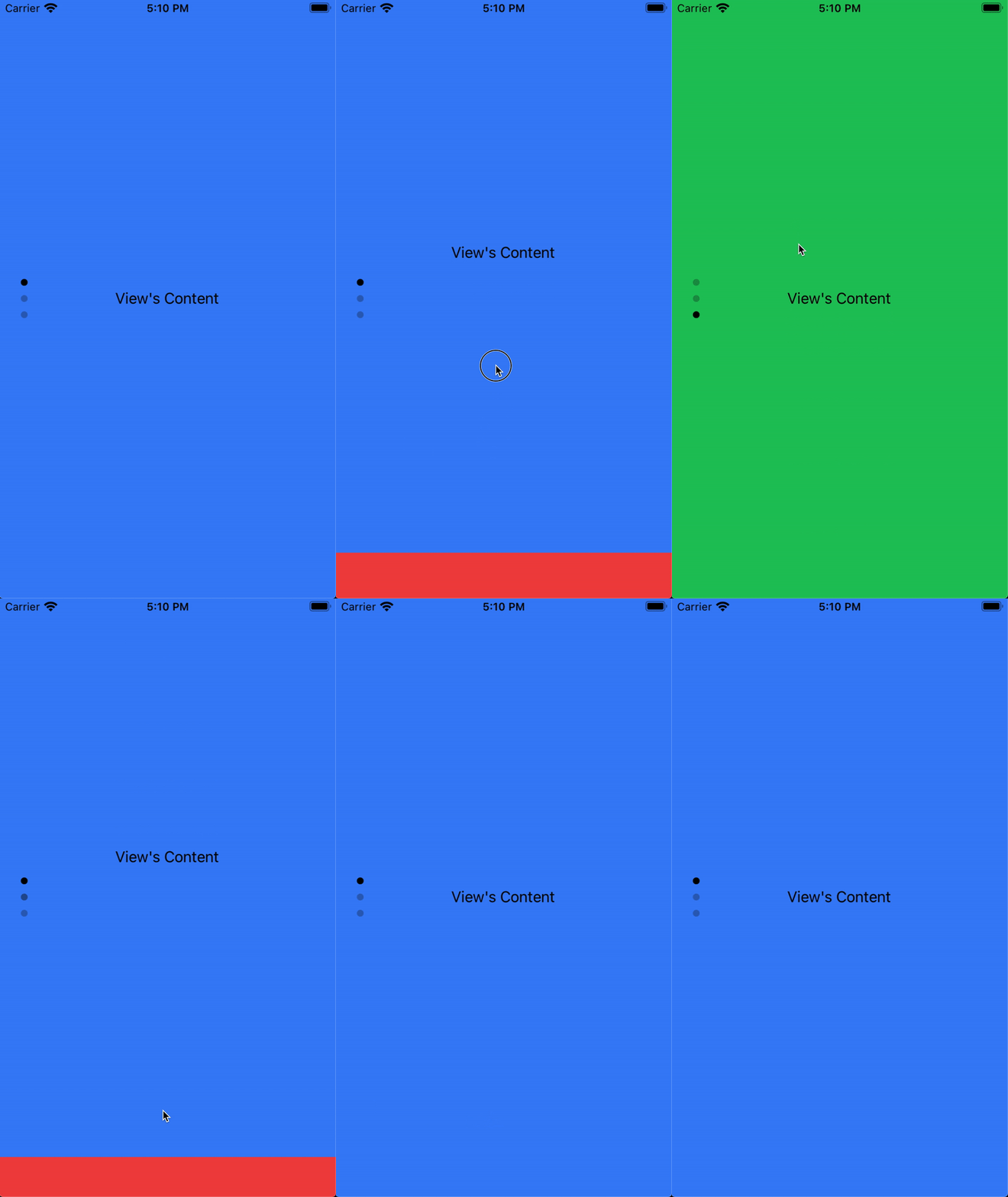
Low framerate gif.